IDA Pro
Introduction
IDA Pro (Interactive Disassembler Professional) is an interactive disassembly tool developed by Hex-Rays, and it is the most popular static analysis tool in software reverse engineering.
Note that IDA Pro is paid software — the software itself and the decompiler engines for different architectures are charged separately. You can purchase the appropriate software license according to your needs on the Hex-Rays official website.
As of April 2024, the IDA Pro license costs 1975 USD, and the decompiler license for any single instruction set architecture costs 2765 USD.
Additionally, Hex-Rays provides a free reverse engineering tool based on their cloud engine called IDA Free, though it currently only supports x86 reverse engineering.
Basic Usage
IDA Pro typically provides two executables: ida.exe and ida64.exe, corresponding to reversing 32-bit and 64-bit programs respectively. When we need to use IDA Pro to analyze a binary executable file, we need to choose the appropriate ida based on the instruction set word size of the program.
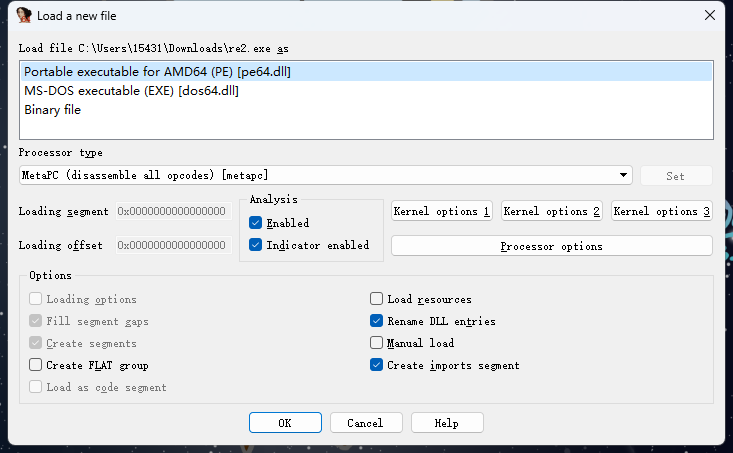
The simplest way to use it is to drag and drop the binary executable file you want to reverse onto IDA. IDA will automatically identify the file type — this step usually doesn't require any changes, just click 🆗:
Next, we will see the following interface:
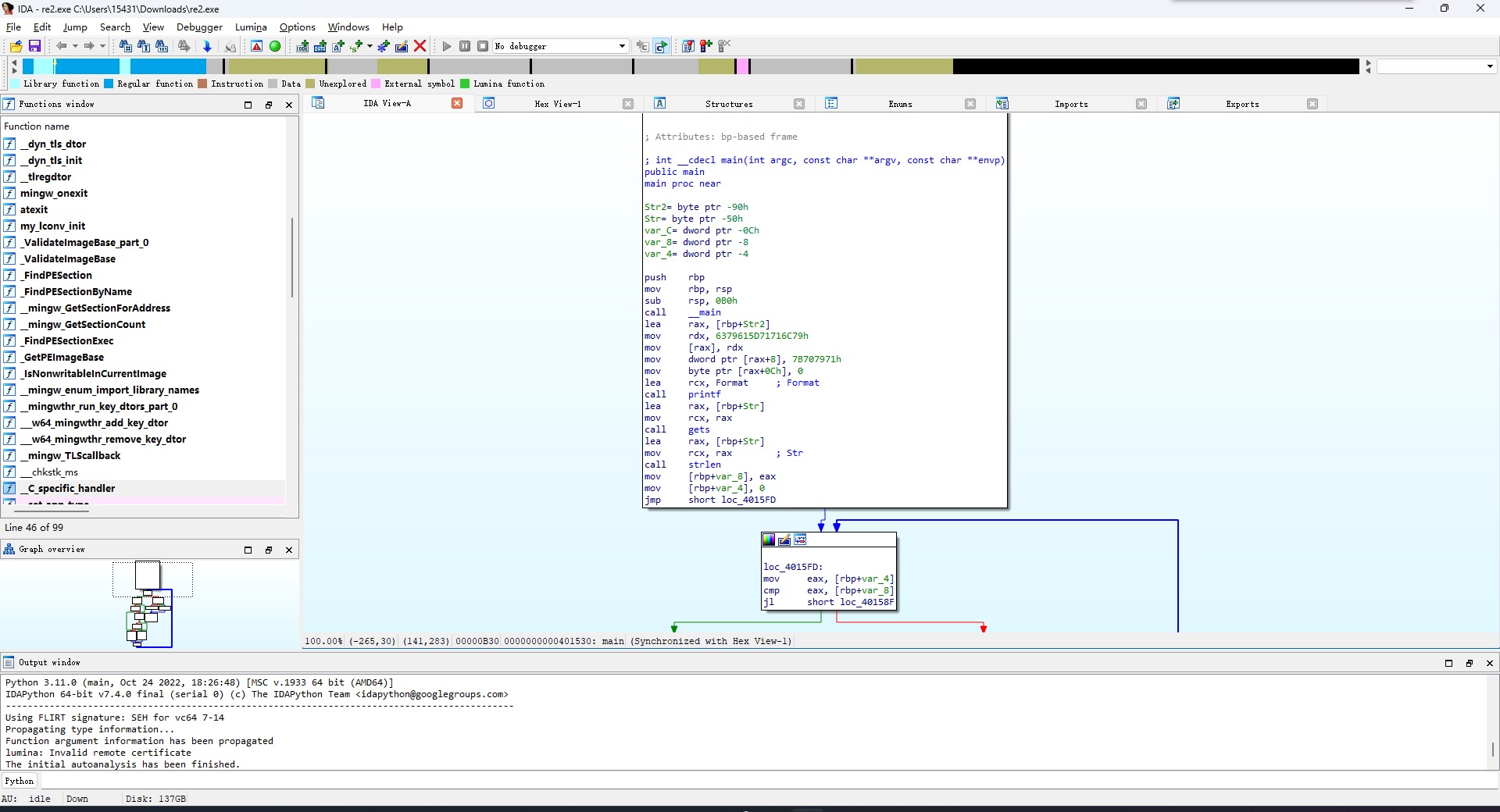
Function Windows: The list of functions identified by IDA. You can jump directly to the corresponding function through this panel.IDA-View: The decompilation result of a single function presented in assembly form by IDA. By default, it is displayed as a control flow graph composed of basic blocks. You can also switch to the original assembly code in memory layout by pressing theSpacekey.Hex View: The raw data view of the binary file.Structures: Structure information that IDA has identified as possibly existing in the program.Enums: Enumeration information that IDA has identified as possibly existing in the program.Imports: Symbols that the binary file may need to import from external sources at runtime.Exports: Symbols that the binary file can export to the outside.
Function Decompilation
In addition to disassembly, IDA also supports decompiling assembly code into C/C++ source code form. We simply need to press F5 at the position of the function to be decompiled to obtain the decompiled program code:
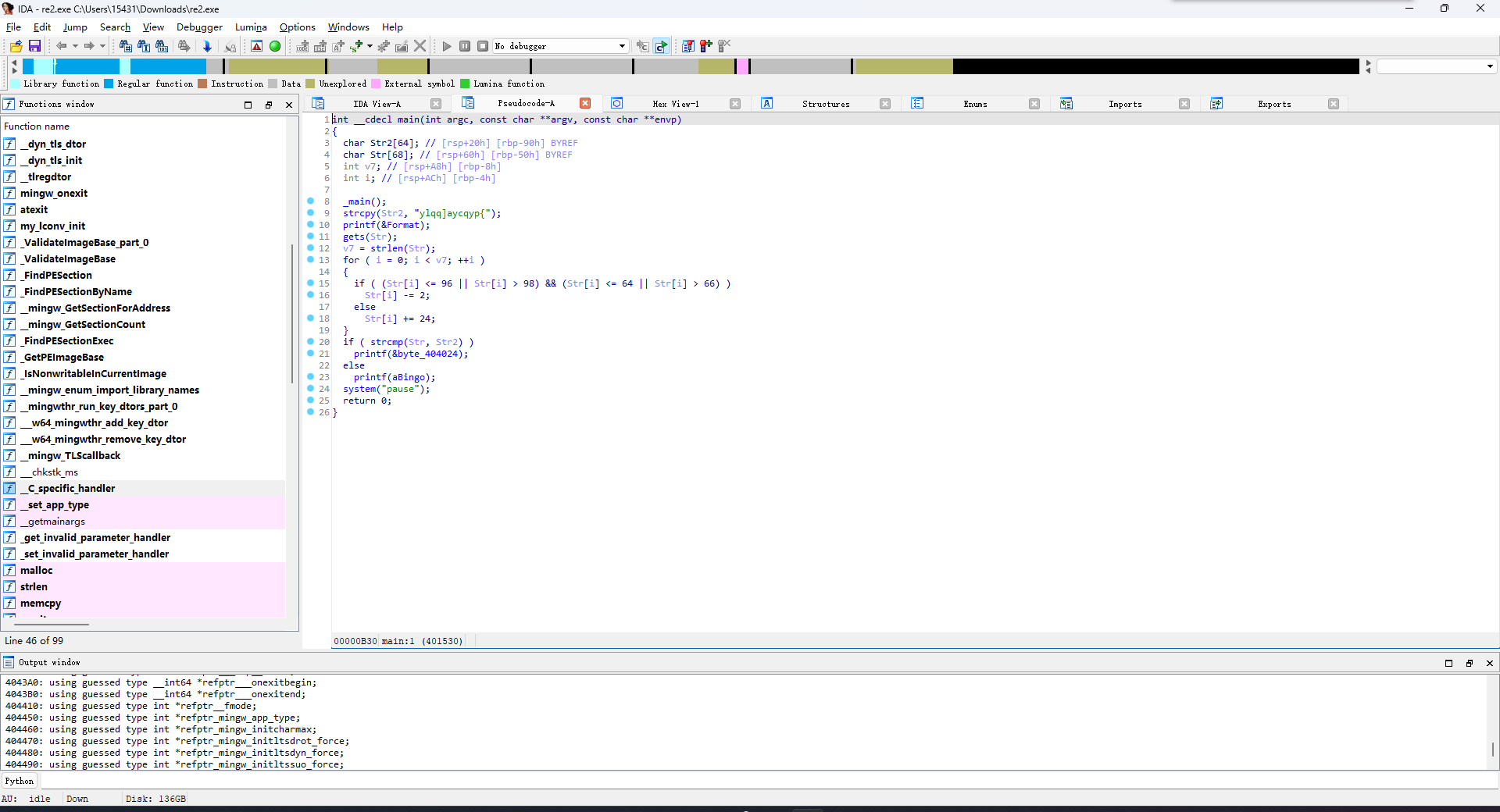
Sometimes IDA's identification of function boundaries may have certain errors, which can cause deviations in the decompilation result. In such cases, we can press alt+p at the beginning of the function in the IDA-View window to redefine the function range, or first press u to undo the original definition, then select the function range and press p to redefine it:
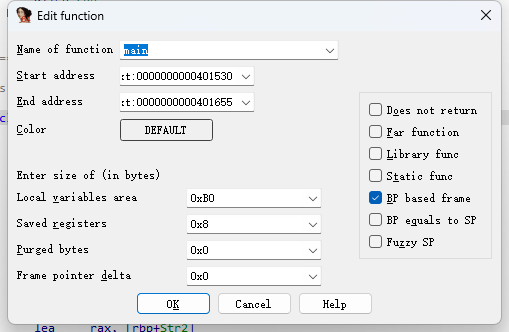
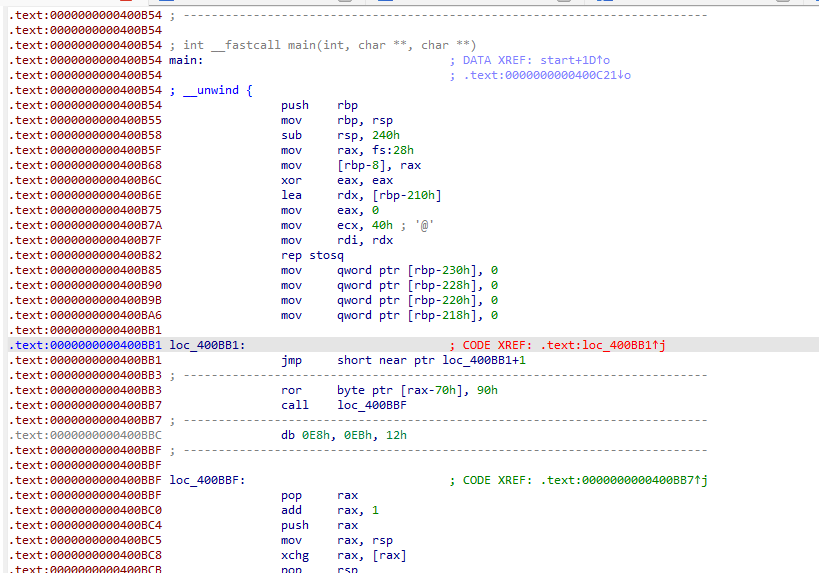
Sometimes, due to code obfuscation or other reasons, IDA cannot create a function:
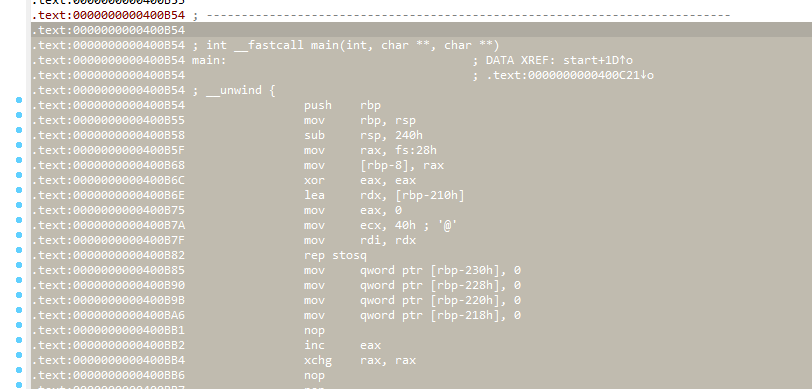
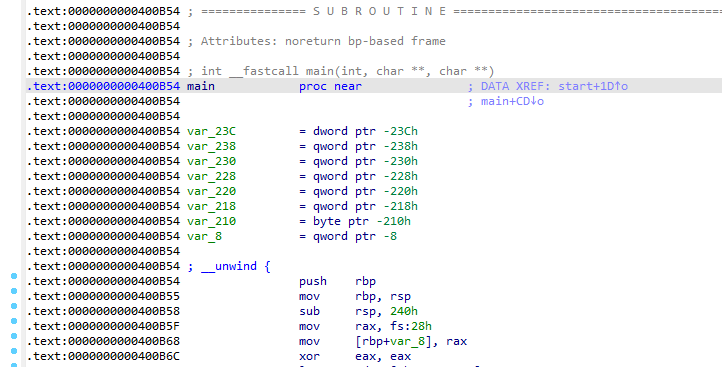
After we have fixed the function identification, we can press p at the beginning of the function to have IDA re-identify the function automatically, or select the assembly code belonging to that function and then press p to have IDA re-identify the function:
IDAPython
IDA Pro has a built-in Python environment and an IDC module, which can help us quickly modify binary files and perform other tasks.
We can write and run IDAPython scripts directly through File → Script Command:
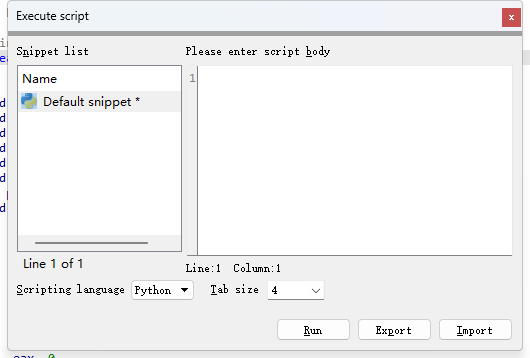
Before use, you need to import the ida module first. Some commonly used APIs include:
idc.get_db_byte(addr)       # Returns 1 byte at addr
idc.get_wide_word(addr)     # Returns 2 bytes at addr
idc.get_wide_dword(addr)    # Returns 4 bytes at addr
idc.get_qword(addr)         # Returns 8 bytes at addr
idc.get_bytes(addr, size, use_dbg) # Returns size bytes at addr
idc.patch_byte(addr, value)  # Patches 1 byte at addr with value (little-endian)
idc.patch_word(addr, value)  # Patches 2 bytes at addr with value (little-endian)
idc.patch_dword(addr, value) # Patches 4 bytes at addr with value (little-endian)
idc.patch_qword(addr, value) # Patches 8 bytes at addr with value (little-endian)
For more APIs and usage, refer to the official documentation.
IDA Plugins
IDA supports plugin extensions, through which we can conveniently extend and enhance IDA's functionality.
Plugin installation is usually straightforward. Taking the FindCrypt plugin as an example, this plugin can automatically identify cryptographic algorithms present in a program. To install this plugin, first we need to obtain the plugin source code from Github and place it in the IDA_installation_path/plugins folder:

If the yara module is not installed on the system, it needs to be installed:
$ python -m pip install yara-python
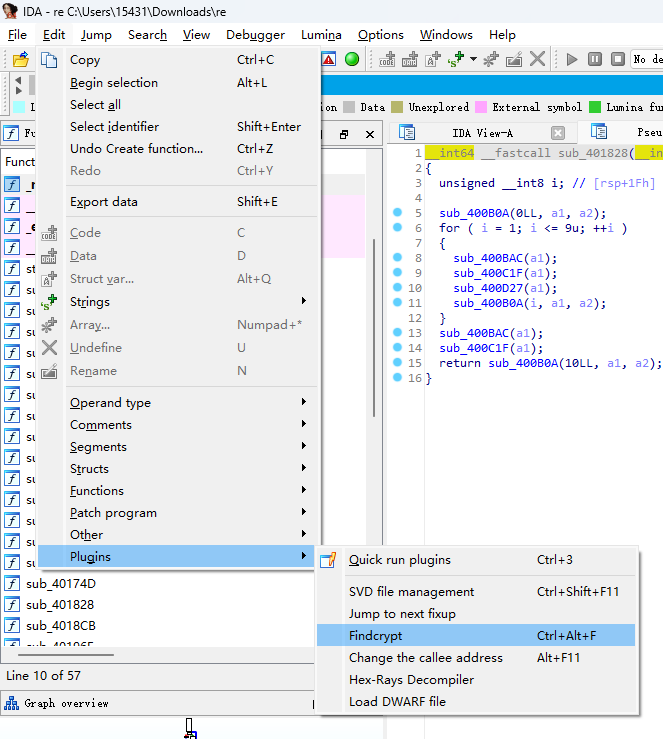
Then we can use this plugin from Edit→Plugin: